Dashboard
The FinLedger Go Dashboard serves as your comprehensive tool for managing all aspects of your business finances and operations. Here’s what you’ll find on the dashboard:
A clear snapshot of your company’s financial health and key performance indicators.
Quick access to recent transactions, invoices, and revenue insights.
Visual charts and reports to monitor business growth and expenses effectively.
Real-time data updates to help you make informed business decisions instantly.
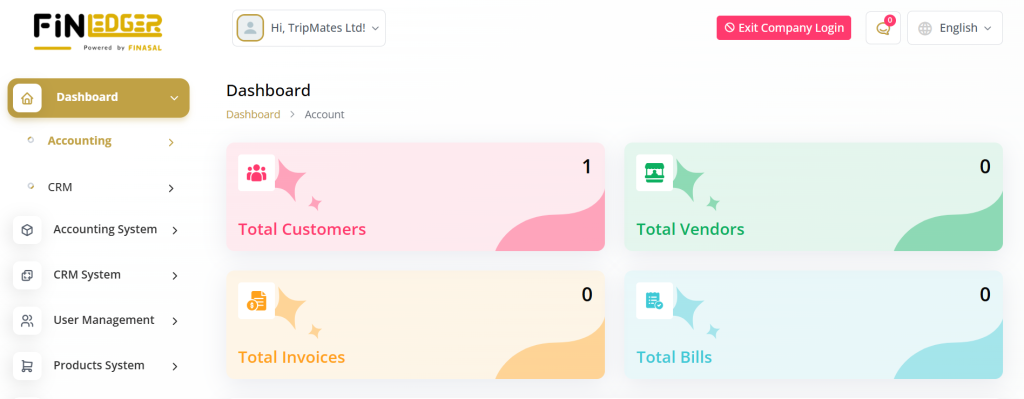
Summary Statistics
The AccountGo SaaS Dashboard serves as your comprehensive tool for managing all aspects of your business finances and operations. Here’s what you’ll find on the dashboard:
A detailed summary of your income, expenses, and profit trends at a glance.
Key performance indicators (KPIs) displayed for quick financial assessment.
Instant visibility into total invoices, payments, and outstanding balances.
Real-time statistical insights to track and compare business performance over time.
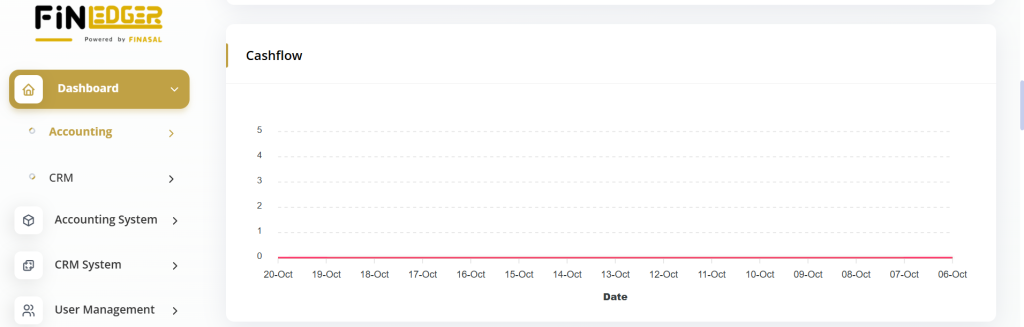
Cashflow Chart
Track your cash flow over time with an interactive chart, allowing you to monitor income and expenses.
Get a visual breakdown of monthly income and expense trends for better analysis.
Identify periods of high or low cash flow to make smarter financial decisions.
Compare historical data to forecast future financial performance.
Easily spot irregularities or patterns in your business’s financial activities.
Account Balances
View the current balances of your accounts to stay informed about your financial status.
Instantly check available funds across all linked accounts in one place.
Monitor changes in account balances to manage cash flow efficiently.
Identify which accounts hold the highest or lowest balances for better planning.
Keep your financial overview accurate with real-time balance updates.

Income vs. Expenses Data
Compare your income and expenses to understand your business’s financial performance.
Analyze monthly or yearly trends to identify profit and loss patterns.
Visualize financial data through clear and interactive comparison charts.
Track spending habits and discover areas where cost optimization is needed.
Gain valuable insights to make data-driven budgeting and investment decisions.

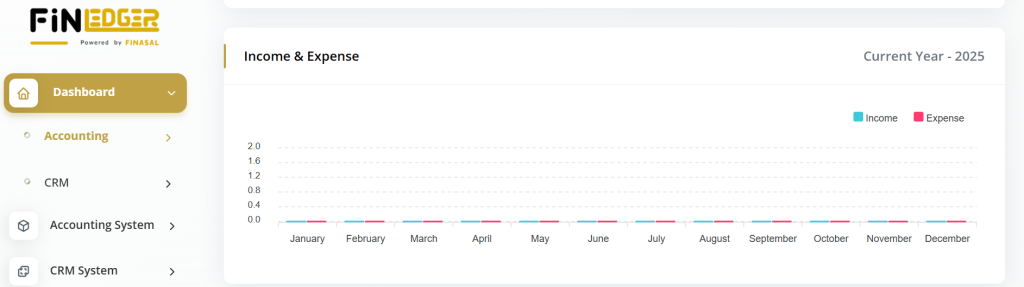
Income and Expenses Graph
Visualize trends in your income and expenses with a graphical representation.
Get a clear visual summary of your financial performance over time.
Easily compare income growth and expense fluctuations month by month.
Identify financial trends to plan future budgets more effectively.
Use interactive graphs to gain deeper insights into business profitability.
Income by Category Pie Chart
See a breakdown of your income by category to identify revenue sources.
Understand which products or services contribute most to your total revenue.
View income distribution in a clear and visually engaging pie chart format.
Compare multiple income streams to evaluate business performance.
Use category-wise insights to focus on high-performing revenue areas.
Expense by Category Pie Chart
Understand your expenses better by viewing a breakdown of expenses by category.
Identify where most of your business funds are being spent.
Visualize expense distribution across different categories in a clear pie chart.
Compare costs to find areas where spending can be reduced or optimized.
Gain insights to improve budgeting and financial planning decisions.
List of Expenses
Access a detailed list of recent expenses, including transaction details.
View all expense records with dates, categories, and payment methods.
Quickly track spending history to maintain accurate financial records.
Filter or sort expenses to analyze specific periods or categories.
Ensure transparency and control over business expenditures.
Latest Expense Pie Chart
Visualize your latest expenses to identify significant expenditure categories.
Get a quick snapshot of your most recent spending patterns.
Easily identify which categories contribute most to your current expenses.
Use the chart to monitor short-term financial behavior and spending trends.
Support better decision-making by recognizing areas of high expenditure.

Storage Status
Monitor your data usage and storage limits to ensure efficient data management.
Keep track of total and available storage space in your account.
Get alerts when approaching storage limits to prevent data overflow.
Manage and optimize stored files for better performance.
Maintain smooth system operations by organizing and clearing unused data.

Recent Invoices and Statistics
Track your recent invoices and view weekly and monthly statistics to analyze trends.
Monitor invoice generation, payments, and outstanding amounts in real time.
Analyze revenue patterns based on weekly and monthly performance.
Identify top-paying clients and recurring billing trends.
Gain insights to improve financial forecasting and cash flow management.

Recent Bills and Statistics
Monitor recent bills and track payment trends with weekly and monthly statistics.
View all recent bills with their due dates, payment status, and amounts.
Analyze billing trends to manage cash outflow efficiently.
Compare weekly and monthly expenses to identify spending patterns.
Improve financial planning by tracking payment cycles and vendor activity.

List of Goals
Stay focused on your business objectives by accessing a list of goals, including details like name, type, duration, target, and progress.
With the AccountGo SaaS Dashboard, you have everything you need to manage your business finances effectively and make informed decisions.