
Customer
The Customer Module in FinLedger Go offers a complete view of your customer base and allows efficient management of all customer-related tasks. It helps organize customer information, track interactions, and streamline communication.
Key Highlights:
Maintain detailed records of all customers in one place.
Track customer interactions and transaction history efficiently.
Add, edit, or remove customer information easily.
Segment customers for better targeting and management.
Enhance customer relationship management for improved satisfaction.
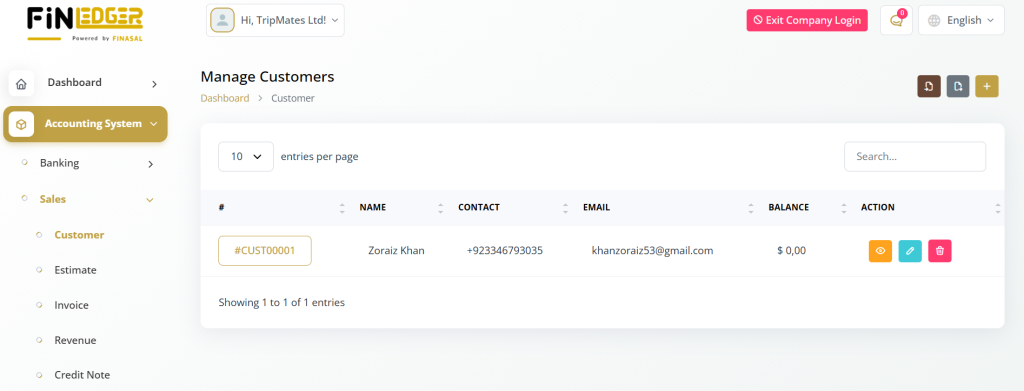
Customer List
The Customer List in FinLedger Go provides a complete overview of all your customers, showing important details like customer ID, name, contact info, email, balance, and last login. This centralized view allows efficient management and quick access to customer records.
Key Highlights:
View essential customer details at a glance, including ID, name, and contact info.
Check balances and last login for each customer.
Edit, delete, or view customer information easily through the action column.
Manage all customer records efficiently from one centralized interface.
Streamline customer management to enhance business operations.
Customer Details View
Clicking on a customer ID in FinLedger Go opens the customer’s detailed profile, providing complete information such as customer details, billing, shipping, and company info. You can also view all proposals linked to the customer and manage them efficiently.
Key Highlights:
Access detailed customer information including billing, shipping, and company data.
View all proposals associated with the customer in one place.
Perform actions like converting a proposal to a retainer or invoice.
Duplicate, edit, view, or delete proposals quickly.
Streamline customer and proposal management for efficient operations.
Proposal Details View
Clicking on a proposal ID allows you to access all the important details regarding that proposal. You can review information such as the proposal issue date, amount, status, and more.Clicking on a proposal ID in FinLedger Go lets you access all key details of that proposal. You can review important information such as issue date, amount, status, and other relevant data.
Key Highlights:
View the proposal issue date and associated details.
Check the proposal amount and current status.
Access all relevant information linked to the proposal.
Quickly review data for accurate tracking and management.
Ensure seamless monitoring and follow-up of each proposal.
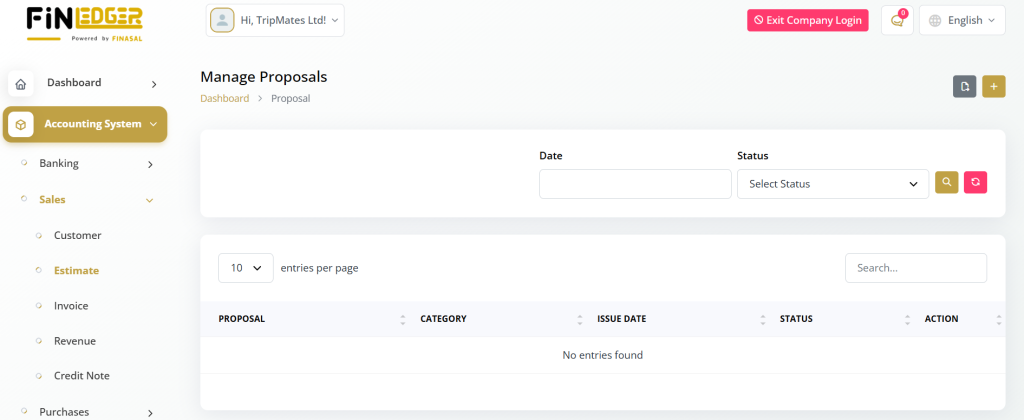
Invoice List
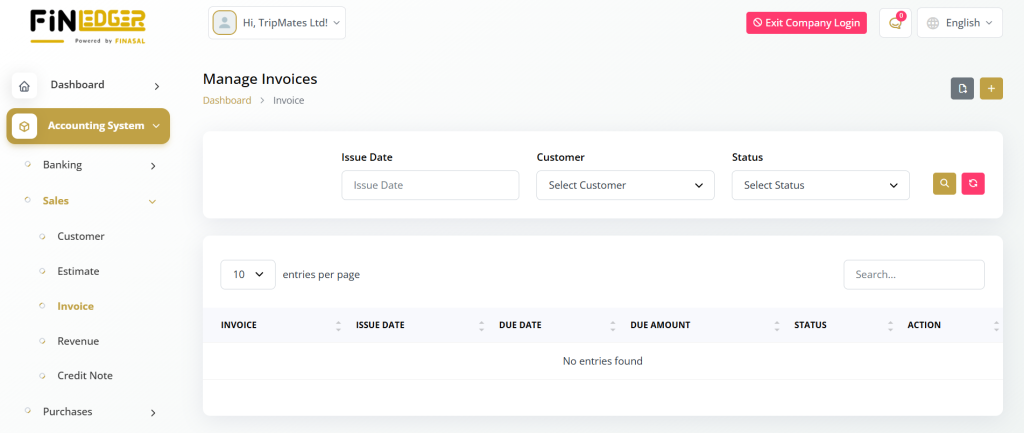
The Invoices section in FinLedger Go allows you to view and manage all invoices linked to a specific customer. It displays important details such as the issue date, due date, amount due, and payment status for easy tracking.
Key Highlights:
View a complete list of customer invoices.
Check issue dates, due dates, and payment statuses.
See the amount due for each invoice.
Use the action column to duplicate, edit, or delete invoices.
Easily access detailed invoice information for better management.
Invoice Details View
Clicking on an invoice ID in FinLedger Go opens a detailed view of the selected invoice, allowing for smooth management and accurate tracking. This section provides all essential information related to the invoice for better financial control.
Key Highlights:
View complete invoice details with one click.
Access issue date, due date, and total amount information.
Track payment status and outstanding balances.
Manage and update invoice records efficiently.
Ensure accurate tracking of customer billing activities.
Additional Functions
At the top of the page, you’ll find buttons that enable you to perform various actions such as creating new invoices, creating proposals, generating customer statements, editing customer details, and deleting customers. These functionalities empower you to manage your customer relationships effectively and streamline your business processes.
With the Customer Module in AccountGo SaaS, you have all the tools and capabilities you need to efficiently manage your customer relationships and drive business growth.
